
Printmaking…in all kinds of ways!
comment : Off
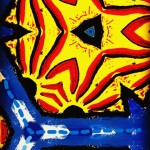
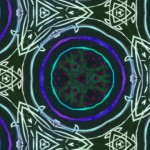
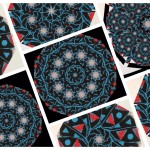
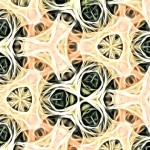
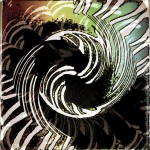
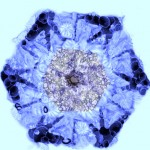
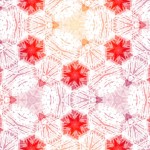
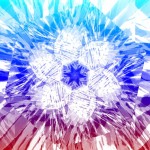
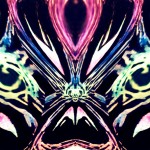
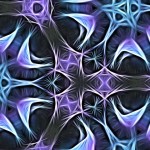
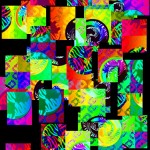
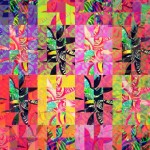
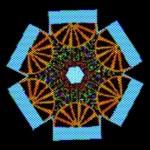
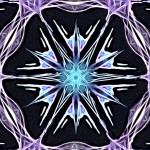
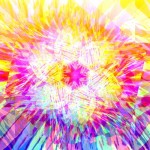
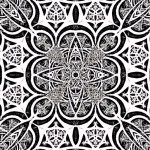
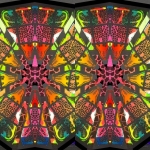
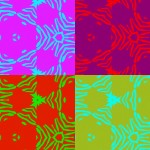
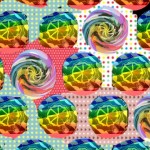
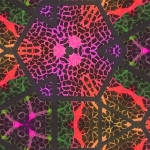
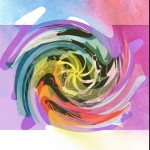
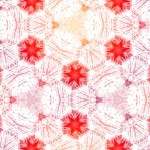
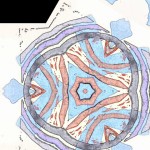
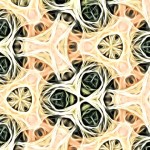
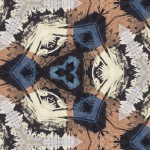
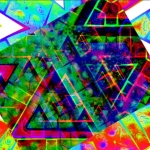
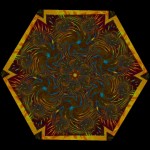
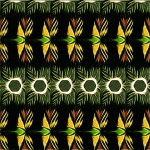
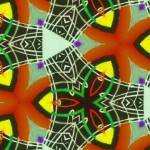
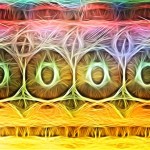
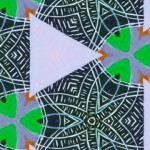
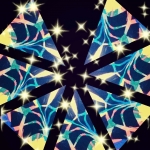
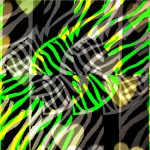
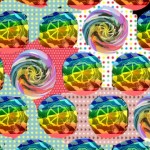
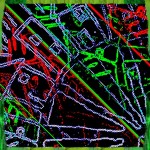
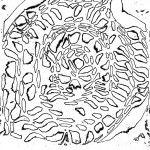
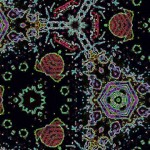
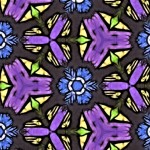
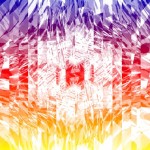
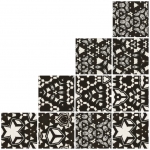
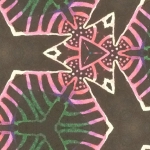
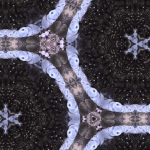
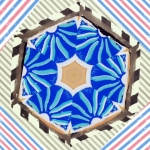
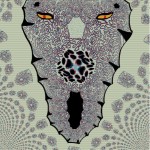
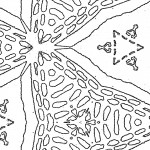
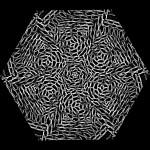
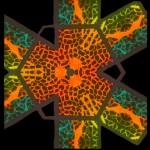
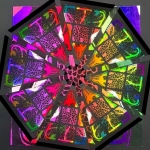
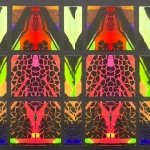
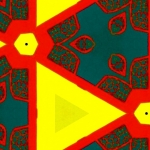
Check out this amazing gallery of digital prints. Students created lino prints based on images of cut fruit and vegetables, photographed their images and then used a variety of iPad apps in creative workflows to manipulate them. The resulting compositions are diverse and complex.
What is a creative workflow? Students begin with an image, manipulate it in one app and save it to the camera roll. The image can then be manipulated in another app, and saved once again…over and over again. Of course, at any time students can go back to previous images to change track, draw on work digitally, cut and paste sections or print their work out to produce mixed-media explorations. By using apps in this way, images can be changed infinitely and highly original compositions can be created. In line with the inquiry model, students grapple with the elements of art and engage with endless possibilities for art-making.
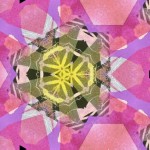
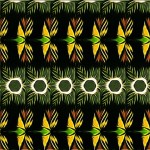
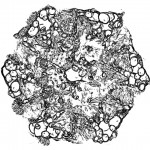
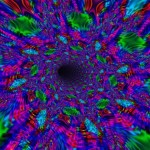
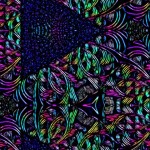
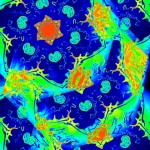
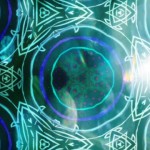
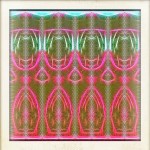
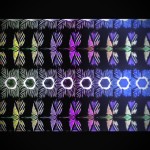
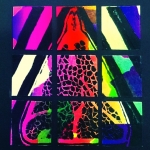
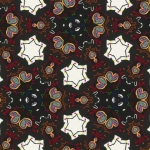
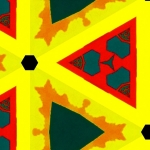
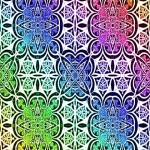
Some favourite apps for a creative workflow:
MegaPhoto to create kaleidoscope effects, warps, etc
BeFunky to use a wide variety of filters
PhotoViva for overlaying a wide variety of filters
DistressedFX for creating textural effects such as canvas, paper, etc
Tangled to produce interesting effects with line during workflows
Superimpose allows students to cut, paste and juxtapose elements of compositions together
PicBlender merge imagery together
GalaxyPicHD add space, stars, blurs etc to imagery
iColorama add sweeps of filters and effects to areas within an image
Sample Folio 1
Sample Folio 2
Sample Folio 3
Sample Folio 4
Sample Folio 5
Sample Folio 6
Sample Folio 7
If you liked this post, check out this post and see a representational image move toward abstraction in a creative workflow.


